
Big Boost APK Download
APP install guide · Real device tested
This is the Android package used in our latest test
- Version
- Version 5.2.5
- File Size
- 302MB
- Updated
- 01 Oct 2026
- Tested On
- Poco F6 Android 14
How to Install
- 1
How to Download the Jeet Boost App
Visit the Official Site: Open the official Jeet Boost website on your Android mobile browser.
Download the APK: Tap the download link or scan the QR code to begin downloading the Android installation file.
Allow Installation: If your device prompts a security notice, enable permissions for "Unknown Sources" to proceed.
Install and Open: Tap the downloaded file to install it, then launch the app to log in or sign up.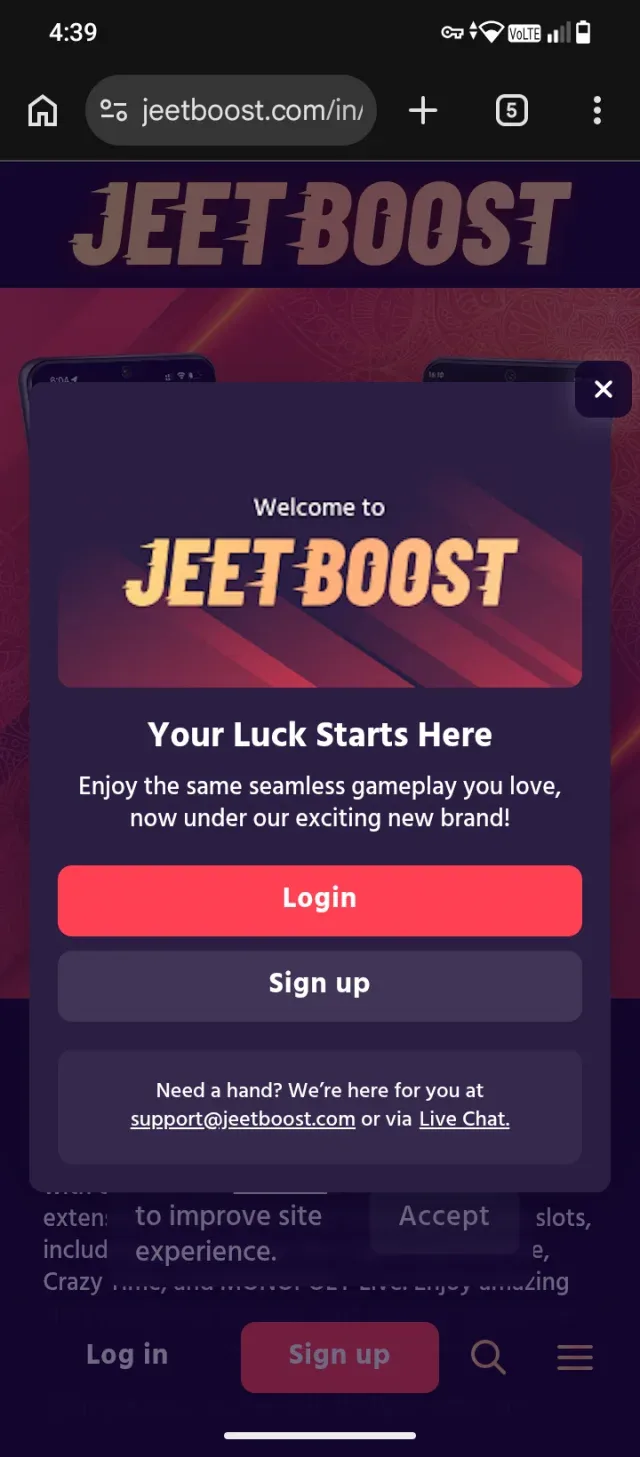
- 2
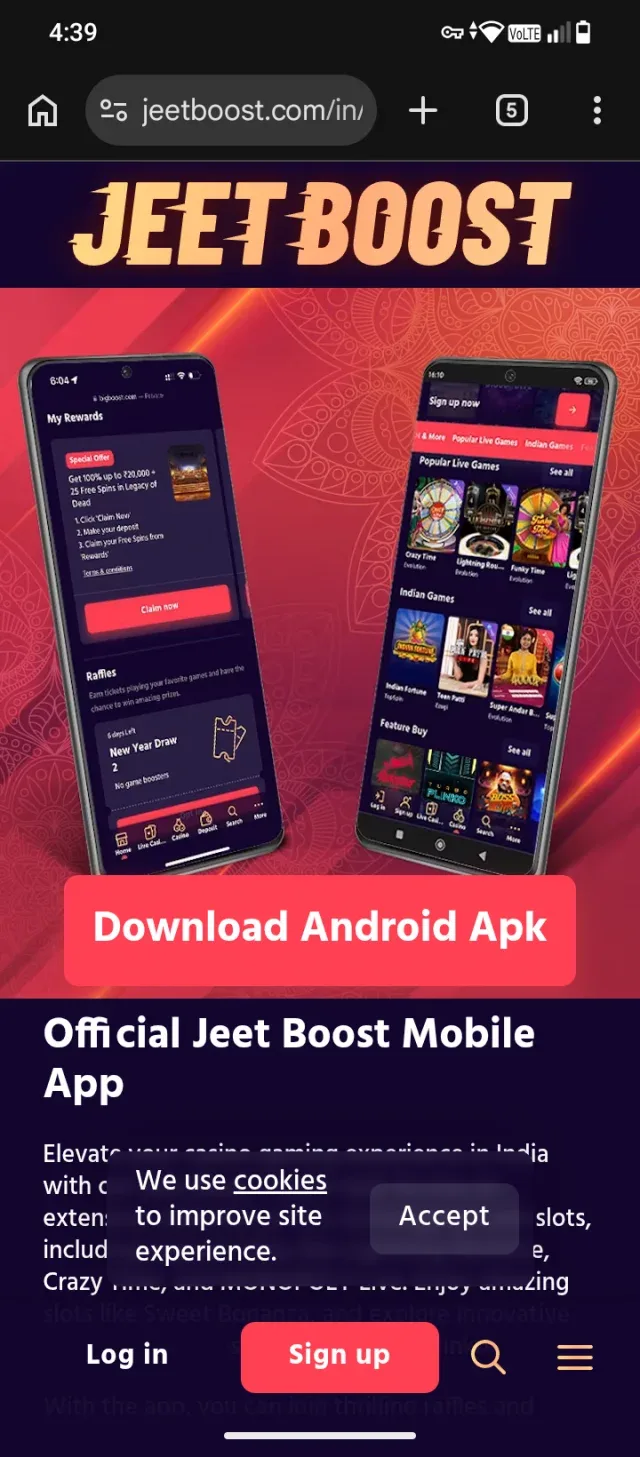
How to Download the App
Accept Cookies: If a cookie notice pops up at the bottom, tap Accept. Tap the Download Button: Tap the big red Download Android Apk button right in the middle of the screen to start downloading the application.
- 3
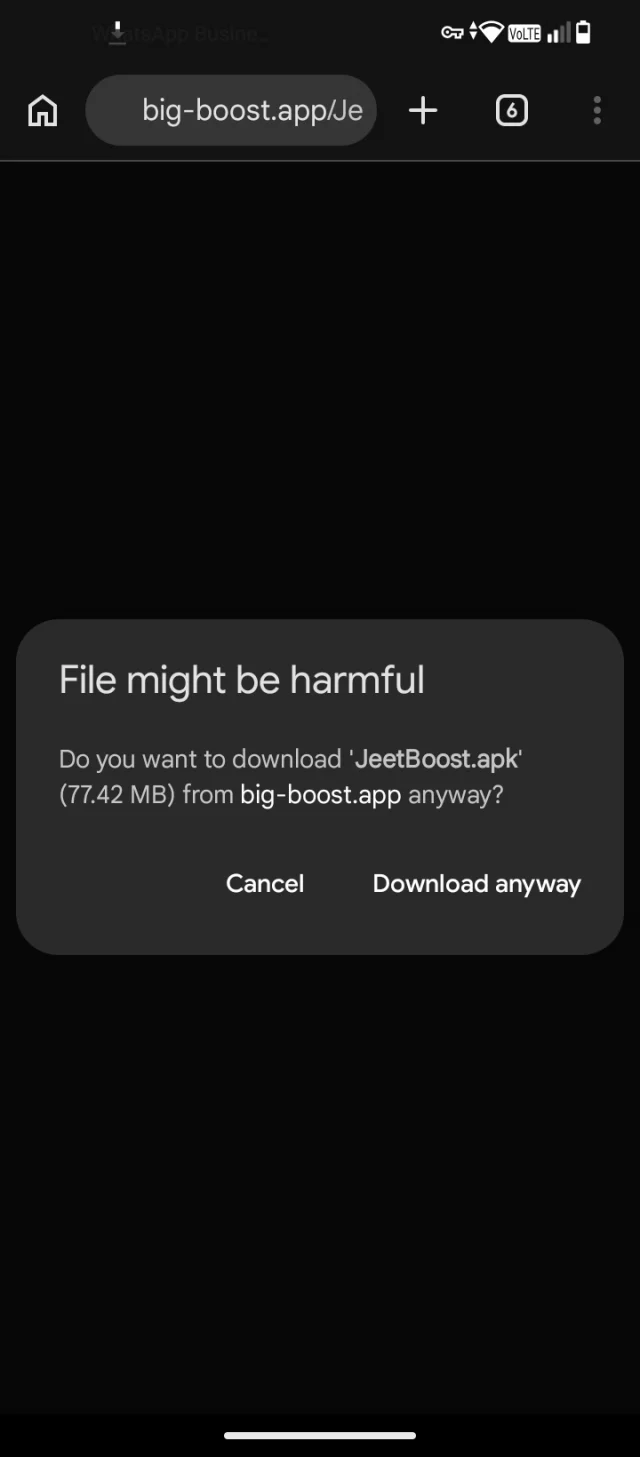
How to Proceed with the Download
Review the Warning: Your phone shows a standard security pop-up saying "File might be harmful" for the JeetBoost.apk file (77.42 MB). This is normal for direct app downloads from a browser. Download Anyway: Tap the Download anyway button on the right to continue downloading the file.
- 4
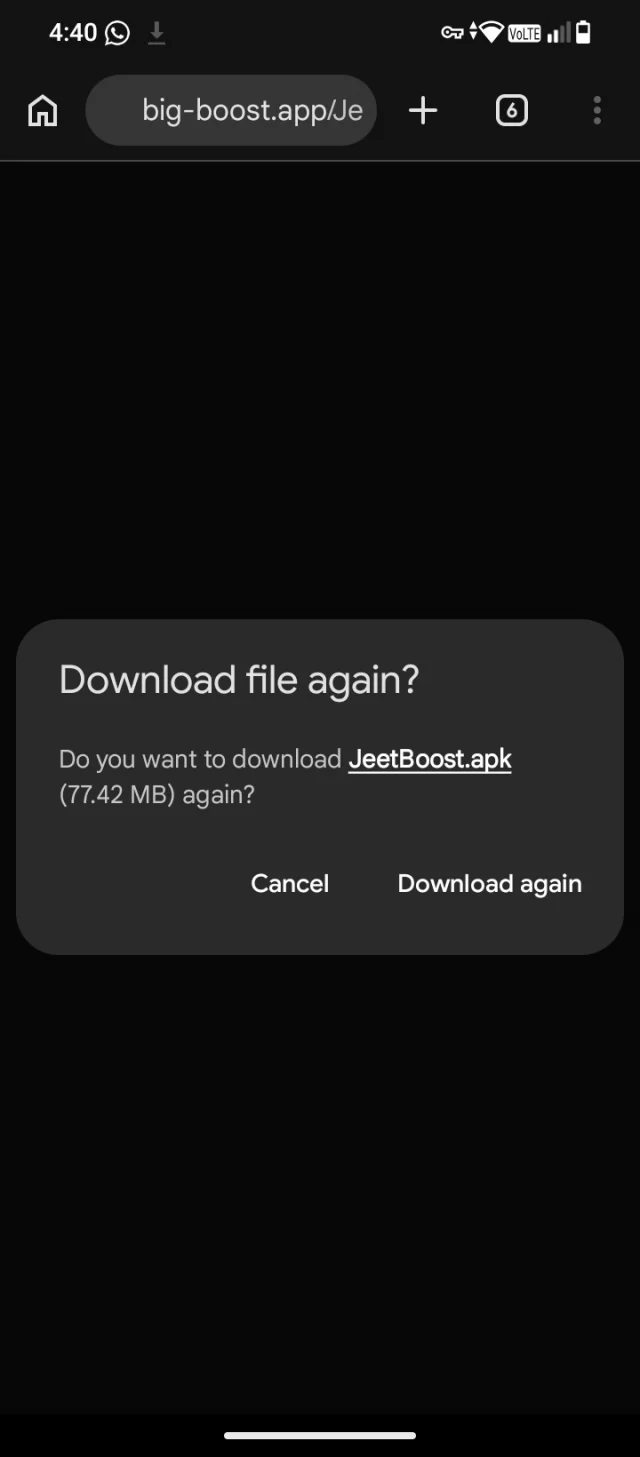
Confirm Download
Download Again: Tap the Download again button to proceed with downloading the JeetBoost.apk file.
- 5
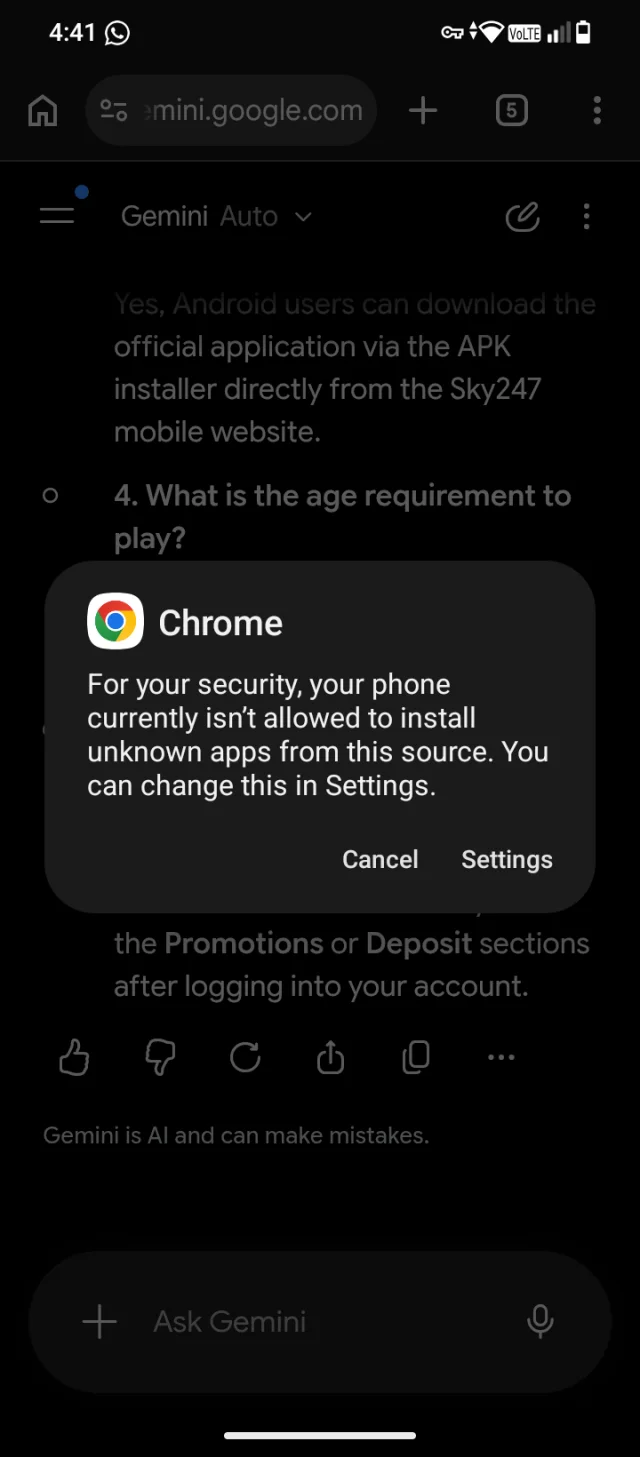
How to Fix the Installation Block
Open Settings: Tap the Settings button on the right side of the Chrome security pop-up
- 6
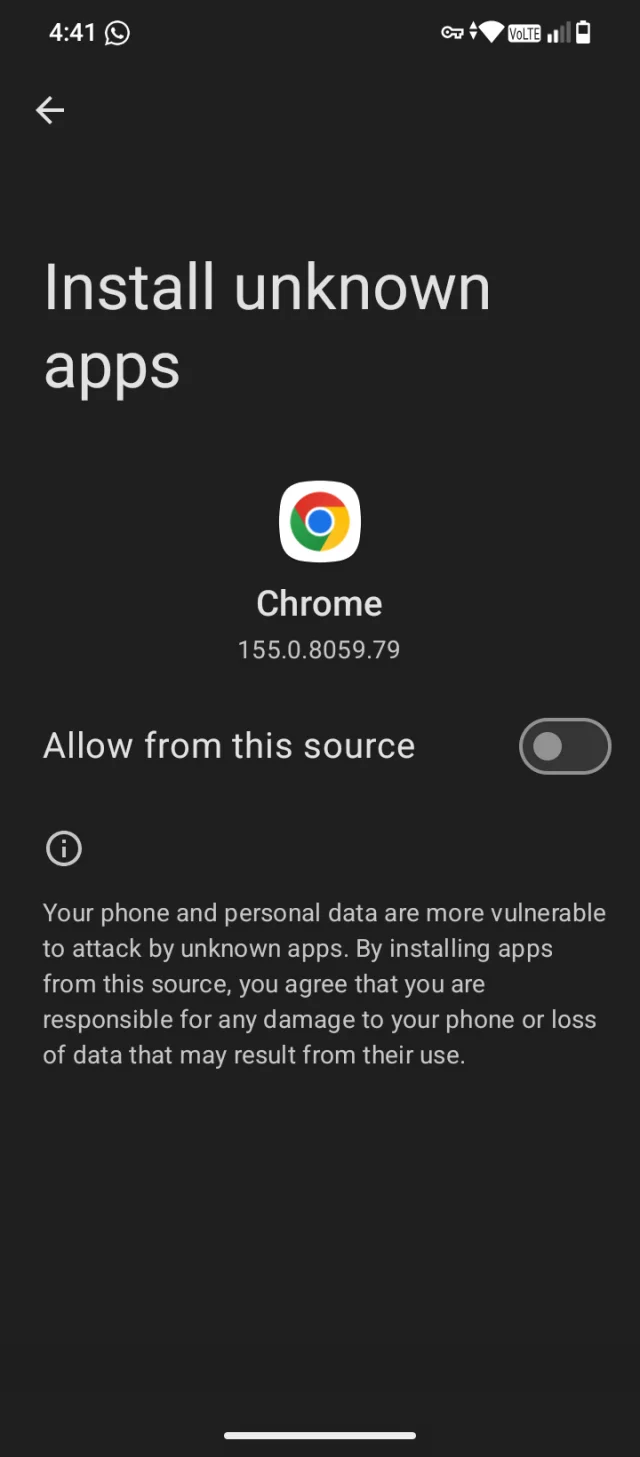
How to Allow App Installation
Toggle On Permission: Tap the switch next to Allow from this source so that it turns on (blue/colored).Return and Install: Tap the back arrow ($\leftarrow$) at the top-left corner to return to your downloads and tap the downloaded JeetBoost.apk file to install the app.
- 7
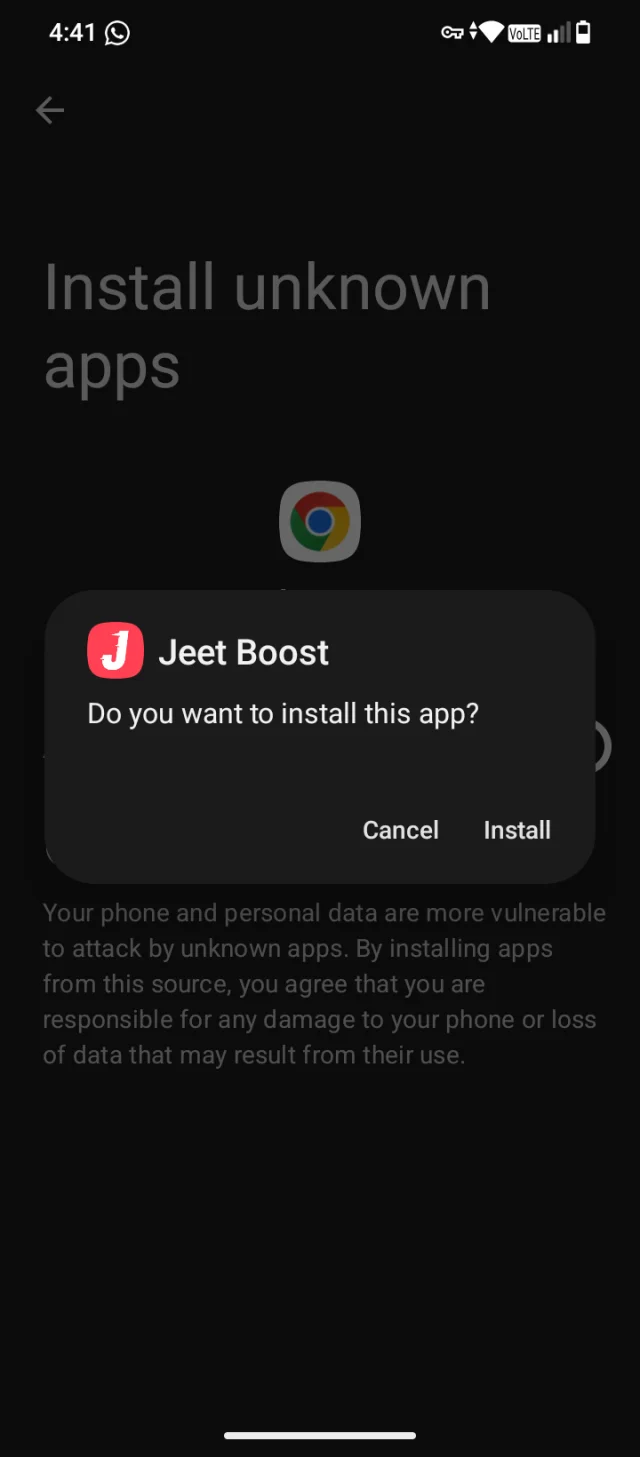
Final Installation
Complete Installation: Tap the Install button on the bottom-right corner to finish installing the Jeet Boost app on your device.
- 8
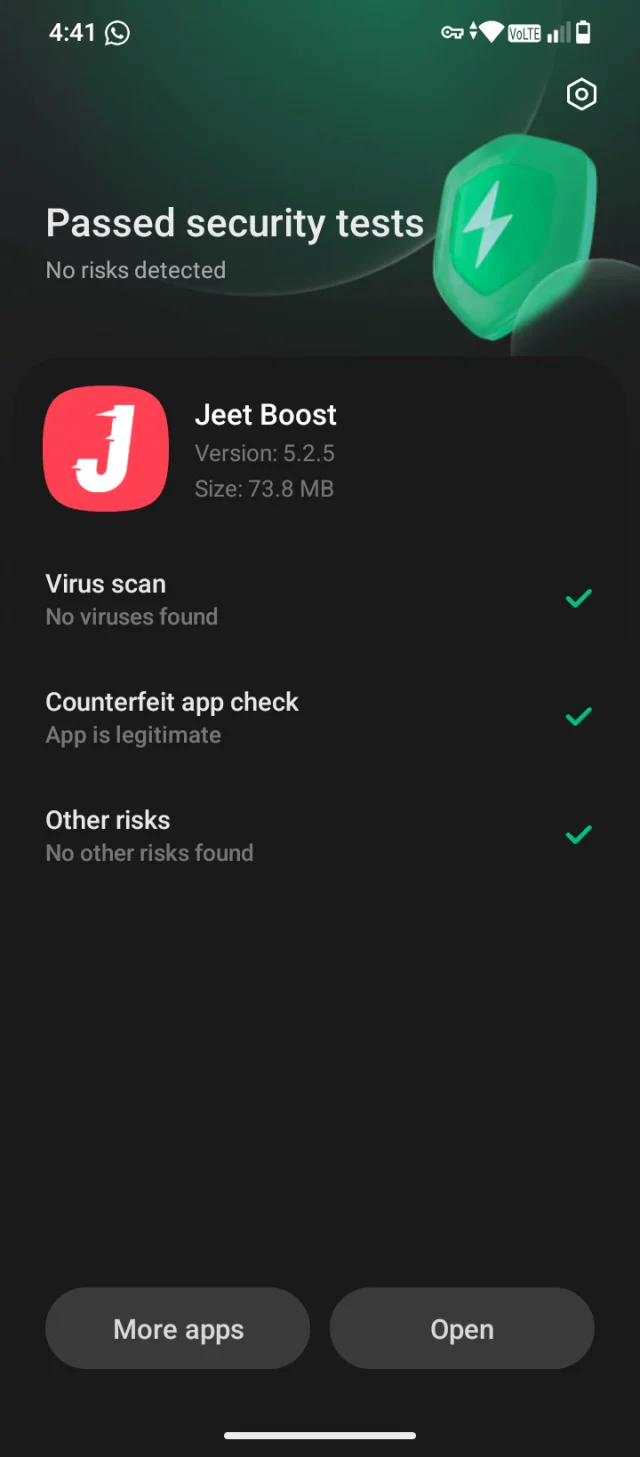
App Successfully Installed
Passed Security Tests: Your device has verified the installation files and confirmed no security risks. Launch App: Tap the Open button at the bottom-right corner to open Jeet Boost and get started.
- 9
App Successfully Installed
Passed Security Tests: Your device has verified the installation files and confirmed no security risks. Launch App: Tap the Open button at the bottom-right corner to open Jeet Boost and get started.
Common Questions
How do I download and install the Jeet Boost mobile app?
How do I download and install the Jeet Boost mobile app?
Android users can download the official APK directly from the mobile website, enable "Allow from this source" in device settings, and complete the installation.
What is the welcome bonus offer?
What is the welcome bonus offer?
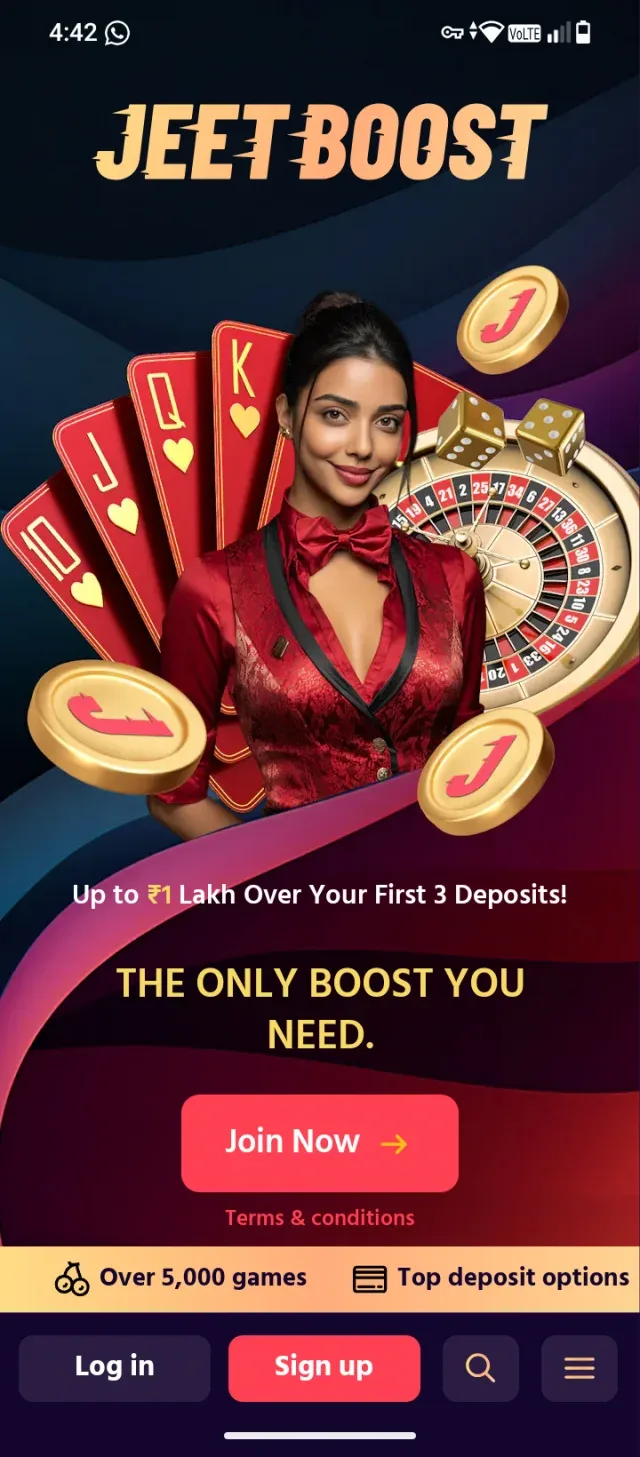
New players can claim a welcome package worth up to ₹1 Lakh across their first three deposits, which can be activated from the My Rewards section after signing up.
What payment methods are supported?
What payment methods are supported?
Transactions are supported through popular Indian payment options including UPI, IMPS, and Net Banking in Indian Rupees (INR).
Is account verification (KYC) required for withdrawals?
Is account verification (KYC) required for withdrawals?
Yes, identity verification using accepted documents like a PAN card, driver's license, or passport is required before your first withdrawal request can be processed.
What are the minimum deposit and withdrawal limits?
What are the minimum deposit and withdrawal limits?
The minimum deposit starts at ₹500, while the minimum cashout limit is ₹1,000 depending on the chosen payment channel.